
 March 22, 2026
 11 min read
Convert lab result JPG to Excel technology is the definitive solution for patients and healthcare providers looking to modernize their medical record management and eliminate the inefficiencies of paper-based tracking. In today’s healthcare environment, most people receive their blood work, pathology reports, or diagnostic summaries as physical paper copies or simple image files. Managing these records can feel like a daunting task, especially when you need to compare results over time. Manual data entry from these complex reports is notoriously slow and dangerously prone to errors; a single misread decimal point or a skipped line of data can lead to incorrect health conclusions and significant anxiety.
Fortunately, the rise of sophisticated Optical Character Recognition (OCR) provides a high-speed answer to this problem. By choosing to convert lab result JPG to Excel, you can transform a static, non-searchable picture into a dynamic, structured spreadsheet that is ready for analysis. Using a professional lab report OCR Excel method allows you to digitize your health history, making it significantly easier to track health trends and share information with specialists. This comprehensive guide will show you exactly how to convert lab result JPG to Excel using the best tools and professional tips for the most accurate results possible.
Why Convert Lab Results from JPG to Excel
A spreadsheet does something a stack of paper or a folder of photos cannot: it lets a patient or clinician build a real trend line. Once you convert lab results to Excel, biomarkers like cholesterol, fasting glucose, or thyroid-stimulating hormone become chart-ready data points instead of numbers buried across separate documents. Spotting a slow upward drift in a single value across six lab visits is nearly impossible by eye, but it becomes obvious on a line graph in seconds.
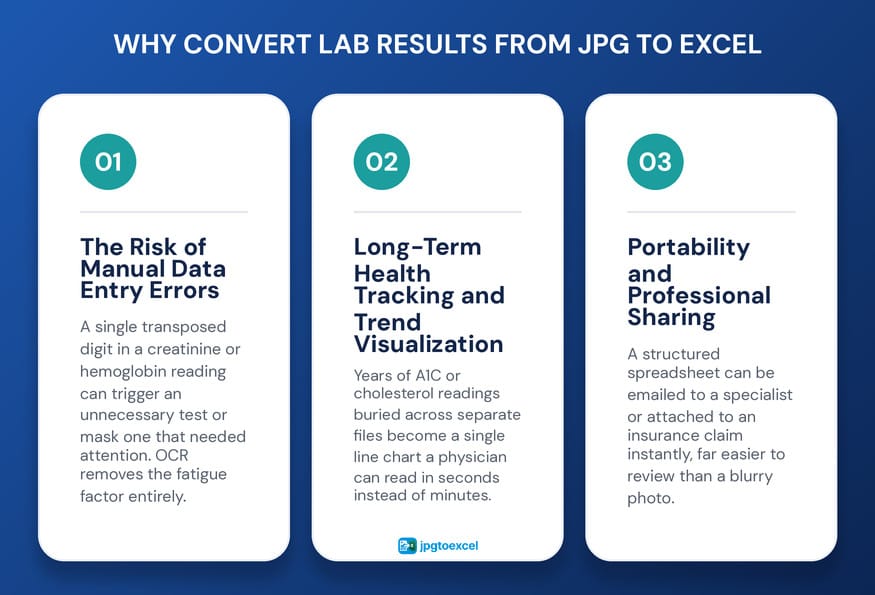
The Risk of Manual Data Entry Errors
Typing medical figures by hand carries more risk than typing almost any other kind of data, because clinical numbers are dense and easy to mistype. A single transposed digit in a creatinine or hemoglobin reading can prompt an unnecessary follow-up test, or worse, mask a result that actually needs attention. A reliable lab report OCR Excel workflow removes the human fatigue factor almost entirely, since the software reads the exact characters printed on the page every time, with the same consistency as a dedicated lab result OCR converter is built to deliver.
Long-Term Health Tracking and Trend Visualization
Once results live in cells instead of scanned images, you can sort, filter, and chart them in seconds. Patients managing chronic conditions such as diabetes or hypothyroidism benefit the most, since these conditions are tracked through dozens of lab draws over years, not one isolated test. Six years of A1C readings buried across six separate image files become a single line chart that a physician can read in thirty seconds instead of thirty minutes.
Portability and Professional Sharing
A structured spreadsheet travels better than a stack of paper. After you convert lab result JPG to Excel, the file can be emailed to a new specialist, a nutritionist, or attached when filing an insurance claim for reimbursement. The same OCR logic used for broader medical report JPG to Excel conversion tasks applies here: clean, columned data is something every reviewing party can use immediately, instead of squinting at a blurry photo.
Understanding the Technology Behind Lab Report OCR Excel
Lab report OCR Excel is the process of using optical character recognition to scan a lab result image, detect its table structure, and convert the test names, results, units, and reference ranges into editable spreadsheet cells. The underlying engine reads pixel patterns the same way a person reads printed text, but at a speed and consistency no human typist can match. A general-purpose JPG to Excel converter for medical reports has to do more than read text; it has to understand which numbers belong together as a single clinical observation.
What Makes Lab Reports Technically Difficult for OCR
Lab reports are denser than a typical invoice or receipt. They pack multiple columns, test name, result, flag, reference range, and units, into a single row, often in a small font with thin grid lines separating each value. A capable tool to convert lab result JPG to Excel has to know where one column ends and the next begins, and it has to separate the patient’s actual result from the lab’s printed normal range sitting right next to it. The strongest engines use medical-specific dictionaries so that terms like bilirubin, triglycerides, or hematocrit come out spelled correctly instead of garbled.
Three Proven Methods to Convert Lab Result JPG to Excel
There is no single best way to handle every lab report. The right method depends on how complex the layout is and whether the file needs to stay inside a system you already trust.
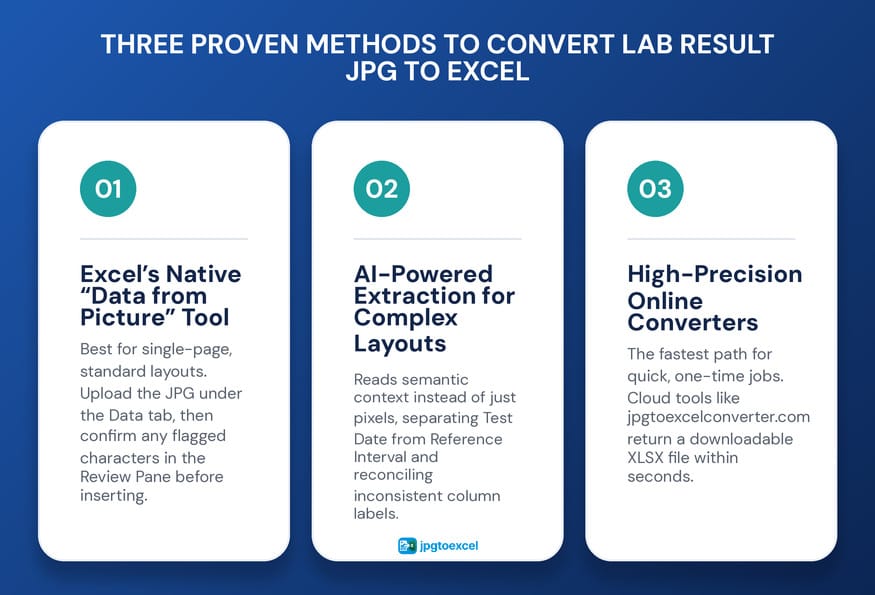
Method 1: Microsoft Excel’s Native “Data from Picture” Tool
For a single-page result with a fairly standard layout, Excel’s built-in feature is the most accessible starting point, since it keeps the file inside the Office ecosystem rather than uploading it to a third-party site.
- Open a new workbook in Excel, desktop or mobile.
- Go to the Data tab and select “From Picture.”
- Upload the JPG. Excel scans the image and begins the OCR process automatically.
- Use the Review Pane to confirm any character the software flags as uncertain. This step matters most in a convert lab result JPG to Excel project, since an unconfirmed digit can quietly become a wrong one.
- Click Insert Data, then format the result columns as Number so they are ready for formulas and charts.
Method 2: AI-Powered Extraction for Complex Clinical Layouts
Multi-page panels or non-standard formats can overwhelm a basic OCR scanner. AI-driven extraction, including the model behind jpgtoexcelconverter, reads semantic context instead of just pixels, so it can tell a Test Date field apart from a Reference Interval field based on the surrounding words, not just their position on the page. To use this method, upload the image and give a specific instruction, such as extracting all medical data into Test Name, Result, Units, and Reference Range columns. The model also reconciles inconsistent labeling, recognizing that Ref Range and Normal Limit describe the same field, which produces a far cleaner output than a rules-based scanner.
Method 3: High-Precision Online Converters
When speed matters more than control, for example while sitting in a waiting room, a dedicated web tool is usually the fastest path. Platforms like jpgtoexcelconverter.com process a lab report OCR Excel request in the cloud and return a downloadable XLSX file within seconds. The tradeoff is that the file leaves your device, so the platform’s encryption and privacy policy deserve a quick check before uploading anything sensitive. For a side-by-side look at how different platforms perform, the roundup of the best JPG to Excel converter tools is a useful starting point.
| Method | Speed | Accuracy on Complex Tables | Security | Best For |
| Excel Data from Picture | Moderate | Good on simple layouts | High, stays in Office | Single-page results |
| AI-Powered Extraction | Fast | Excellent, context-aware | Depends on platform | Multi-page panels |
| Online Converter | Fastest | Very good | High with encryption | Quick, one-time jobs |
Ensuring Data Integrity After Conversion
Digitizing a record only helps if the resulting numbers are correct. Every convert lab result JPG to Excel project should end with a short validation pass before the file gets filed away or shared.
Validating Symbols, Units, and Reference Ranges
- Check comparison symbols. Greater-than and less-than signs are clinically meaningful, and some OCR engines drop or misread them.
- Confirm units stayed separate. “mg/dL” merging into the result column is one of the most common OCR slip-ups in lab data.
- Re-check unusual reference ranges, since a misread digit here can make a normal result look abnormal, or the reverse.
Common Formatting Pitfalls in Excel
Excel frequently reinterprets a range such as “10-20” as a date, which silently corrupts the value. Set any reference range column to Text format immediately after conversion, before doing anything else with the sheet, to keep the original value intact.
Security, Privacy, and HIPAA Compliance
Medical information carries a higher bar for protection than almost any other personal data, so security has to come before convenience when choosing a lab report OCR Excel tool.
What to Look for in a HIPAA-Compliant OCR Tool
In the United States, the HIPAA Security Rule, enforced by the Department of Health and Human Services, requires covered entities and their business associates to apply administrative, physical, and technical safeguards that protect electronic health information. For an individual choosing a tool to convert lab result JPG to Excel, this translates into a simple checklist: confirm the platform encrypts files in transit and at rest, look for a clear data-deletion policy, and avoid any tool that stores uploaded files indefinitely without your control.
Best Practices for Storing Digitized Health Records
Once the spreadsheet exists, treat it the way you would treat the paper original. Store it in a password-protected folder rather than an open cloud drive, and avoid attaching it to an unencrypted email when sending it to a new provider.
Why jpgtoexcelconverter.com is Your Best Strategic Partner?
Choosing the right technology partner defines the success of your digital journey. At jpgtoexcelconverter.com, we understand that your health data demands the highest level of precision. Our platform is engineered to convert lab result JPG to Excel with unmatched speed and accuracy, specifically optimized for the unique challenges of clinical table layouts.
We prioritize your security by using bank-level encryption for every file you upload. Our advanced lab report OCR Excel engine ensures that your data is not just extracted, but perfectly structured for Excel, allowing you to move directly to analysis without manual cleanup. Whether you are a patient tracking chronic vitals or a clinic digitizing years of archives, we provide the scalability and reliability you need to take control of your medical information.
Conclusion: Lead Your Own Health Journey
Moving from a folder of JPG files to a structured spreadsheet is one of the more practical upgrades a patient or clinic can make to how they manage health information. Choosing to convert lab result JPG to Excel removes the bottleneck of manual typing, cuts the risk of a costly transcription error, and turns scattered results into data that is actually possible to track over time.
Whichever lab report OCR Excel method fits your situation, run the validation checklist before trusting the output, and treat the resulting file with the same care as the paper original. Start with a single report at jpgtoexcelconverter.com and see how much faster your next checkup conversation goes with real data in hand.
FAQs: Common Questions About Converting Lab Results to Excel
How do I convert a lab report image to Excel?
Upload the JPG to an OCR-based tool, such as Excel’s Data from Picture feature or jpgtoexcelconverter.com. The software detects the table structure, reads each value, and exports test names, results, units, and reference ranges into spreadsheet cells. Review any flagged characters before saving, since clinical numbers need a manual confirmation step for accuracy.
Is it safe to upload medical documents to an OCR tool?
It can be, provided the platform encrypts files in transit and at rest and has a clear policy on deleting uploaded files. Check for HTTPS, a visible privacy policy, and HIPAA-aware language before uploading anything containing real patient data, and avoid tools with vague or missing security disclosures.
What is the best OCR tool for lab results?
The best choice depends on the report’s complexity. Excel’s native tool suits simple, single-page formats. AI-powered extraction handles multi-page or inconsistently labeled panels best. Dedicated converters like jpgtoexcelconverter.com offer the fastest turnaround for quick, one-time conversions without installing any software.
Can Excel read data directly from a picture?
Yes. Excel’s Data from Picture feature, found under the Data tab, uses built-in OCR to scan an uploaded image and convert visible text and tables into editable cells. It includes a Review Pane that flags uncertain characters, which should always be checked manually for medical data before inserting the result.
How accurate is OCR for clinical lab reports?
Modern OCR is highly accurate on clean, well-scanned images, but small fonts, faded printing, and dense grid lines can still introduce errors. Tools using medical-specific dictionaries perform noticeably better on terms like bilirubin or triglycerides. A manual review pass remains essential before treating any converted value as final.
- Email: contact@jpgtoexcelconverter.com
- LinkedIn: https://www.linkedin.com/in/jpgtoexcelconverter/
- X: https://x.com/jtoexcelconvert


