
 February 2, 2026
 11 min read
Law firms that convert legal JPG to Excel turn static case files into searchable, sortable, and calculable data within minutes. In the high-stakes world of law, information is the ultimate advantage, yet for most firms, that advantage stays locked inside scanned images. Legal teams handle thousands of pages every week, ranging from century-old land deeds to complex modern corporate mergers, and a large share of those documents exist only as JPG or PNG scans.
For a modern law firm, finding a specific clause or verifying a financial figure in seconds can decide whether a case is won or lost. That is why thousands of legal professionals now look for the most reliable way to convert legal JPG to Excel. By transforming flat pixels into structured spreadsheet data, firms unlock insights, save billable hours, and protect accuracy. This guide walks through what the process involves, how AI-powered OCR compares to older tools, and the exact steps law firms follow using jpgtoexcelconverter.com.
Direct Answer: Converting legal JPG to Excel means using AI-powered OCR to scan an image-based legal document, extract the text, dates, and figures inside it, and place that data into an editable spreadsheet. The result is a searchable, sortable file instead of a static photograph of a page.
What Does It Mean to Convert Legal JPG to Excel?
Why Static Images Block Legal Workflows
A JPG file is essentially a photograph of a document. To a computer, the text and numbers inside that photo do not exist as data, only as a pattern of pixels. You cannot search for a keyword inside it, you cannot sort the dates it contains, and you cannot run a financial calculation on a picture.
What Changes Once Data Becomes Structured
When a firm decides to convert legal JPG to Excel, something more significant than a file conversion happens: the information becomes liberated. A static scan turns into a dynamic spreadsheet where:
- Dates are sorted chronologically to build accurate case timelines
- Financial figures are calculated automatically across hundreds of line items
- Parties and clauses index for instant retrieval during research or discovery
At jpgtoexcelconverter.com, this transformation is the specific problem the platform solves, turning legal documents into assets a firm can actually query.
From Paper Archives to Data-Centric Law
What Is Data-Centric Law?
For decades, law offices were defined by rows of metal filing cabinets. The shift to digital scans solved the problem of physical storage, but it never solved the problem of data accessibility. A folder of JPG scans is still, in practical terms, a digital filing cabinet.
Data-centric law is a practice model in which a firm’s records, contracts, deeds, and case files exist in a structured, queryable format rather than as flat images or paper. Leading firms no longer simply store scans; they convert scanned legal documents to Excel to build a master database of their own history. Treating OCR legal images as a strategic workflow, not a one-off task, is what separates firms that move fast from those still buried in folders.
Why AI-Powered OCR Outperforms Traditional Conversion Tools
What Is Intelligent Document Processing (IDP)?
Not all conversion tools work the same way. Basic OCR has existed for years, but it tends to struggle with the specific challenges of legal paperwork: dense tables, small footnotes, inconsistent fonts, and handwritten margin notes.
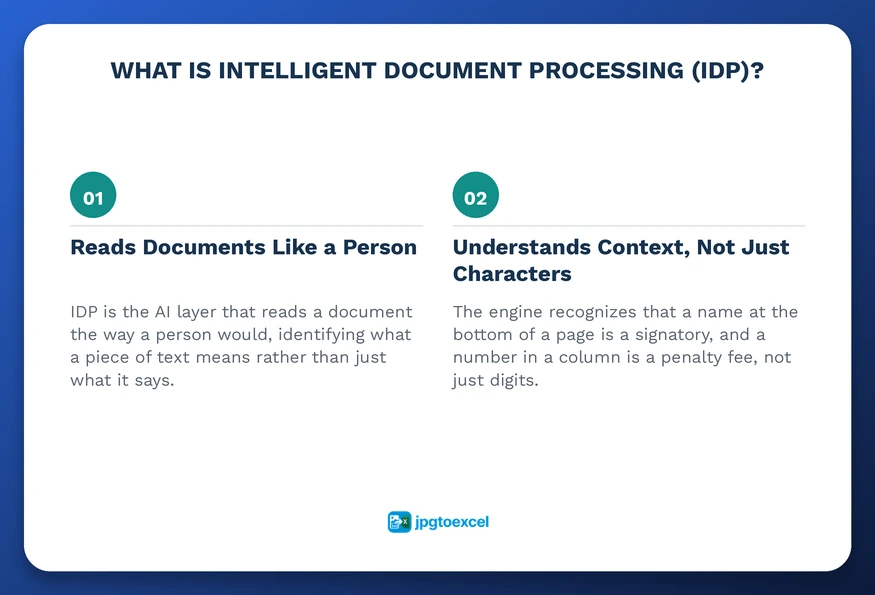
Intelligent Document Processing (IDP) is the AI layer that reads a document the way a person would, identifying what a piece of text means rather than just what it says. The engine behind jpgtoexcelconverter.com recognizes that a name at the bottom of a page is a signatory, and that a number in a specific column is a penalty fee, not just a string of digits. This contextual awareness is why specialized legal document OCR software produces cleaner results than general-purpose scanning tools.
Traditional OCR vs. AI-Powered IDP: Key Differences
| Capability | Traditional OCR | AI-Powered IDP (jpgtoexcelconverter.com) |
| Reads dense legal tables | Often misaligns rows and columns | Maps columns correctly, even on multi-page tables |
| Understands context | Treats every character the same way | Distinguishes a signatory from a random name, a fee from a date |
| Handles degraded or wrinkled scans | Accuracy drops sharply | Maintains high accuracy on low-quality images |
| Manual correction needed | Frequent, line by line | Minimal, only flagged low-confidence fields |
| Best fit | Simple, clean, single-column documents | Legal, financial, and compliance-heavy documents |
How to Convert Legal JPG to Excel: A Step-by-Step Process
Converting a scanned legal file does not require technical training. The process at jpgtoexcelconverter.com follows five steps:
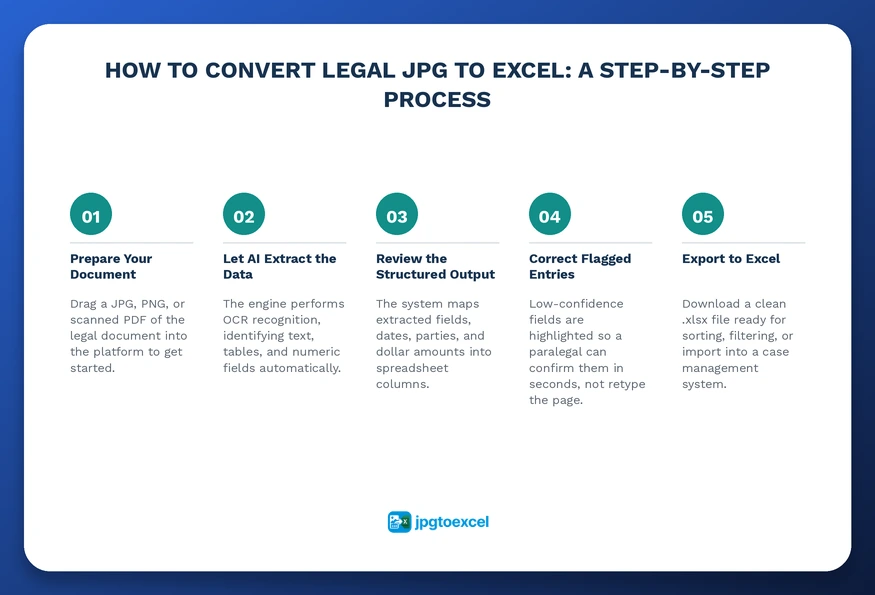
- Upload the file. Drag a JPG, PNG, or scanned PDF of the legal document into the platform.
- Let the AI extract the data. The engine performs OCR legal images recognition, identifying text, tables, and numeric fields automatically.
- Review the structured output. The system maps extracted fields, dates, parties, and dollar amounts into spreadsheet columns.
- Correct flagged entries. Low-confidence fields are highlighted so a paralegal can confirm them in seconds rather than retyping the page.
- Export to Excel. Download a clean .xlsx file ready for sorting, filtering, or importing into a case management system.
Where Law Firms Use This Most
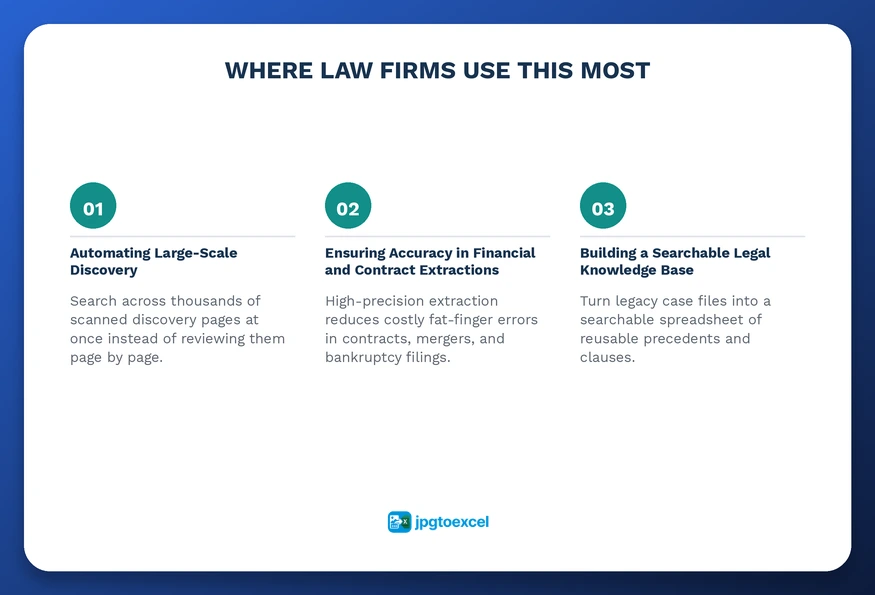
Automating Large-Scale Discovery
During discovery, a firm may receive thousands of pages of scanned records in a single production. Reviewing that volume manually is a significant burden for any team, regardless of size.
A study cited by U.S. Legal Support puts paralegal work at roughly 69 percent automation potential using current technology, with attorney work closer to 23 percent. Tools that convert scanned legal documents to Excel let teams search across an entire discovery production at once instead of reading page by page, which is where much of that automation potential gets realized in practice.
Ensuring Accuracy in Financial and Contract Extractions
In bankruptcy, divorce, and merger cases, financial accuracy is non-negotiable. A single misplaced decimal in a spreadsheet can create real legal liability.
High-precision engines built to convert contract images to Excel read numbers from wrinkled or low-quality scans with consistent accuracy, reducing the kind of fat-finger errors that creep in when staff retypes figures under deadline pressure. For a closer look at how this works for agreements specifically, see this guide to contract JPG to Excel conversion.
Building a Searchable Legal Knowledge Base
Every case a firm has handled contains precedents and clauses worth reusing. If those files sit in JPG format, they are effectively lost to history.
Firms that convert legal JPG to Excel across their legacy archive build a searchable knowledge base instead of a pile of folders. A team can then search one spreadsheet to see how a similar liability clause was handled five years ago, the same logic firms apply when they digitize claims paperwork, as covered in this guide to insurance claim JPG to Excel conversion.
Security and Compliance When Converting Legal Documents
GDPR, CCPA, and SOC2 Considerations
Client data carries strict privacy obligations under frameworks like GDPR and CCPA, along with internal standards such as SOC2. Any platform a firm uses to convert legal JPG to Excel needs end-to-end encryption, a clear audit trail, and prompt deletion of temporary files once a conversion completes.
It is worth noting that automated extraction handles structured data well, but firms should still apply their own review for privileged or highly sensitive filings, particularly where local data residency rules apply. No conversion tool replaces a firm’s compliance judgment; it supports it.
Integrating Converted Data into Legal Tech Stacks and Client Service
Excel is rarely the final destination for legal data; it is usually the bridge. Many firms run case management systems or litigation support software that needs clean, structured input rather than a flat image.
Because spreadsheet files import cleanly into nearly every legal tech stack, firms that convert legal JPG to Excel can connect that data directly into the software they already use, often through an API. This also changes the client experience: when a client calls asking about an old contract term, a paralegal can search a spreadsheet in seconds rather than digging through a banker’s box. If you are comparing platforms for this kind of work, this roundup of the best JPG to Excel converter tools breaks down what to look for beyond raw OCR accuracy.
Conclusion: Transform Your Law Firm Today
The shift from static images to structured data is one of the most consequential operational changes a law firm will make. Choosing to convert legal JPG to Excel means trading manual labor for efficiency, guesswork for accuracy, and scattered files for a searchable record.
AI legal document conversion through jpgtoexcelconverter.com makes that shift fast, secure, and accessible to teams of any size, whether the task is a single contract or a legacy archive of thousands of scans.
Start converting your first legal document at jpgtoexcelconverter.com and see structured data, not just digital photos, fill your spreadsheet.
Frequently Asked Questions About Converting Legal JPG to Excel
Why convert legal JPG to Excel instead of keeping files as PDF?
PDF works well for viewing and sharing a document, but it does not let you sort, filter, or calculate the data inside it. Excel turns the same content into a workable dataset, which matters for audits, discovery review, and any task where you need to manipulate figures rather than just read them.
Can I convert scanned legal documents written in languages other than English?
Yes. AI-powered OCR engines like the one behind jpgtoexcelconverter.com support multiple languages, which matters for firms handling international contracts, foreign judgments, or cross-border discovery. The extraction logic adapts to different character sets and date formats, so global teams get usable spreadsheet output, not just English-only results.
Is it safe to convert legal documents online?
It can be, provided the platform uses end-to-end encryption, deletes temporary files after processing, and publishes clear data handling practices. Look for explicit references to GDPR, CCPA, or SOC2 compliance before uploading privileged material, and confirm the provider does not retain files longer than the conversion requires.
How does AI handle signatures and stamps on legal contracts?
Advanced engines are trained to distinguish handwritten signatures, notary stamps, and official seals from extractable text, so only relevant data, names, dates, and figures land in your spreadsheet columns. Signatures and stamps are typically flagged as image elements rather than misread as garbled text strings.
How do law firms digitize old or legacy case files?
Most firms start with their highest-value archives: closed cases with active precedent value, long-term contracts, and property records, then convert legal JPG to Excel in batches rather than all at once. Bulk processing tools handle hundreds of scans in one upload, turning years of paper history into a searchable spreadsheet over days, not months.