
 March 10, 2026
 11 min read
Shipping Document Image to Excel: The Ultimate Guide to Logistics Data Automation
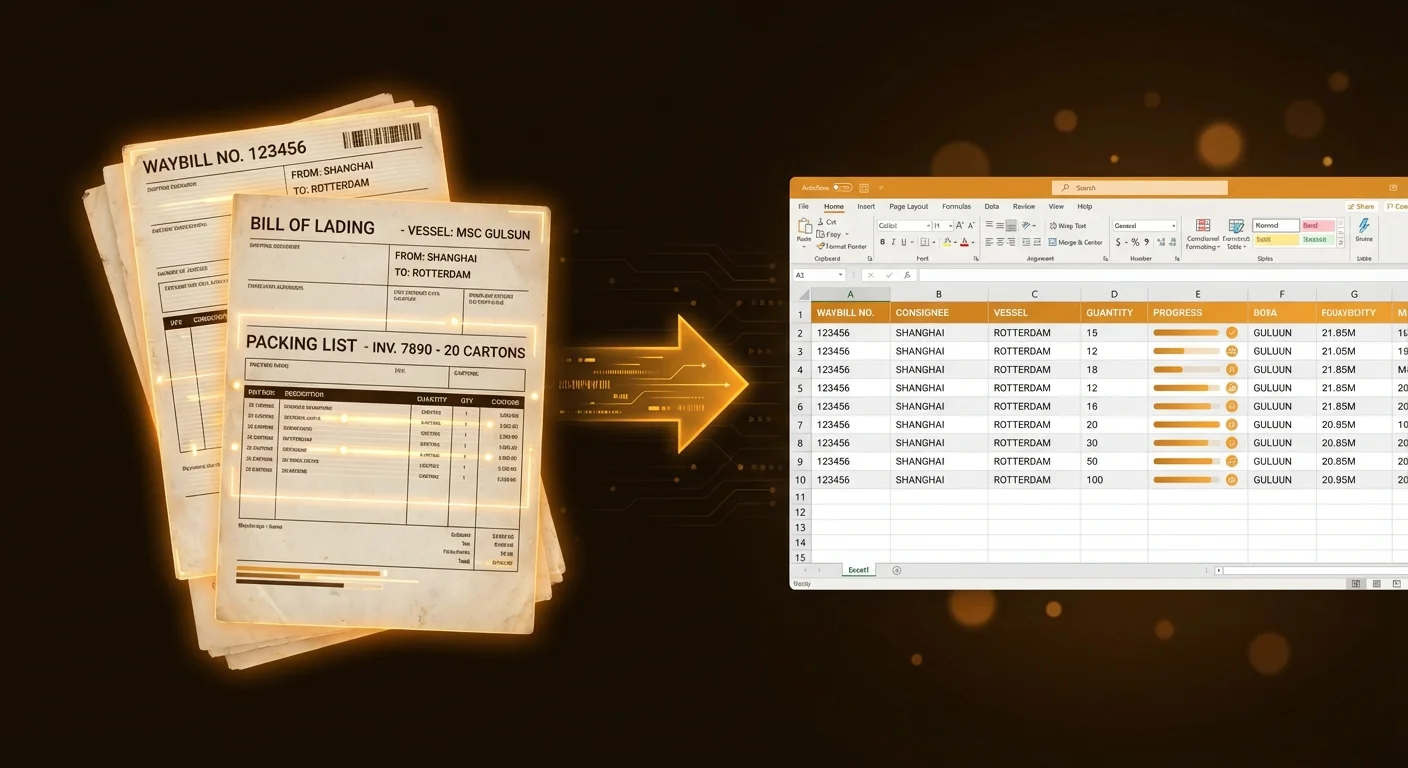
Shipping document image to Excel technology is the primary catalyst driving the digital transformation of global trade in 2026. Logistics is a world that moves at an incredible speed, yet for decades, the industry has been held back by a persistent bottleneck: mountains of physical paperwork. Every single day, piles of files land on office desks—from complex bills of lading to multi-page commercial invoices. To maintain operational velocity, companies need to transform every shipping document image to Excel format quickly and accurately. Relying on manual typing is no longer just an “inconvenience”—it is a critical business risk that wastes valuable time and causes frequent, costly errors.
Choosing to automate your document intake with a professional bill of lading JPG to Excel tool is the most effective way to scale your operations. By moving away from manual data entry, your team can handle a significantly higher volume of shipments without increasing your administrative headcount. Transforming a shipping document image to Excel should never be a slow or tedious chore; modern technology has made this process seamless, fast, and accessible for logistics providers of all sizes.
The Bottleneck in Modern Logistics: The Manual Data Entry Crisis
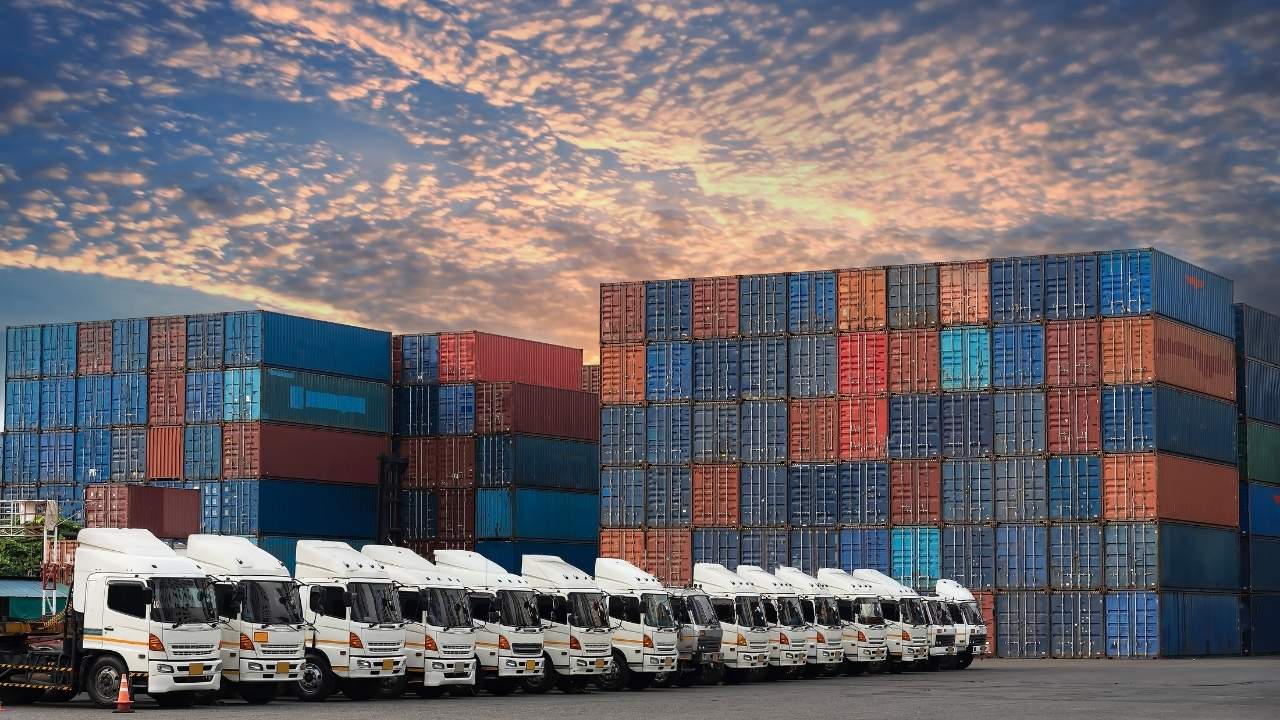
The day-to-day reality of freight forwarding involves managing a chaotic stream of messy paperwork. You deal with sea waybills, packing lists, and certificates of origin every hour. Managing this shipping document image to Excel workflow manually is a recipe for operational gridlock. Your highly-skilled staff currently spends hours transcribing numbers into spreadsheets—time that would be better spent solving complex routing problems or enhancing customer service.
1. The High Cost of Human Error
Manual transcription is not only slow; it is dangerously prone to inaccuracies. A single typo in a container number or a misplaced decimal point in a freight charge can cause massive disruptions. Using a high-precision bill of lading JPG to Excel converter provides an essential safety net, ensuring that your data is captured correctly the first time. Even a minor mistake with an HS code can lead to significant customs fines and cargo holds at the port. A manual shipping document image to Excel process is simply too risky for modern legal compliance standards.
2. Scalability and the “Data Silo” Problem
Seasonal peaks in global trade can easily overwhelm even the best office workers. When business picks up during the holidays, a manual data entry team will inevitably fall behind. In contrast, an AI-powered bill of lading JPG to Excel solution maintains the same high speed regardless of document volume. Furthermore, manual processes create “Data Silos,” where critical information is trapped on paper where no one can search or analyze it. You need a way to move data from images to spreadsheets instantly to make smart, data-driven decisions based on real-time information.
Understanding the Technology: Beyond Basic OCR to IDP
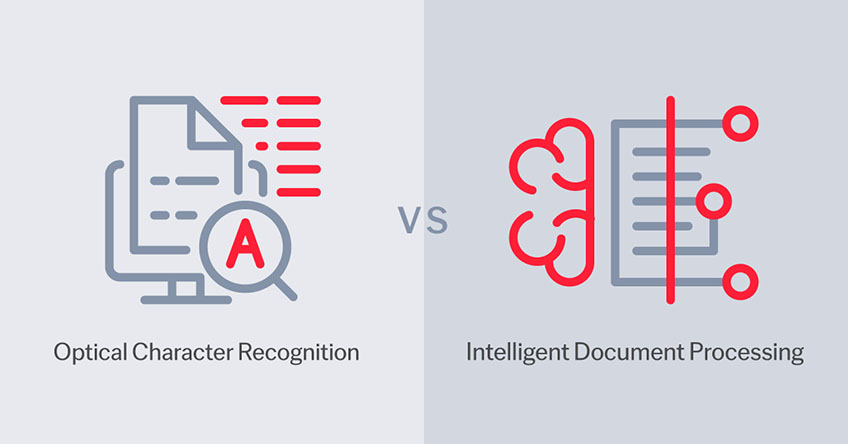
To bridge the efficiency gap, we must look beyond old-fashioned Optical Character Recognition (OCR). Legacy technology only looked at the geometric shapes of letters, often failing when the paper was wrinkled, tilted, or dirty. Modern shipping document image to Excel tools utilize a much more sophisticated “brain” known as Intelligent Document Processing (IDP).
The Role of Artificial Intelligence and Computer Vision
An AI-powered bill of lading JPG to Excel tool understands exactly what it is looking at on the page. It doesn’t just see a string of text; it identifies specific data entities. Computer vision allows the software to recognize the document layout, identifying where the header ends and the tabular grid begins. Even if a shipping document image to Excel file is a low-quality scan or a slightly blurry smartphone photo, the AI automatically performs pre-processing to sharpen the characters and straighten the perspective.
Natural Language Processing (NLP) in Logistics
NLP is the technology that helps the software understand the semantic meaning of logistics terminology. It knows that “B/L No.” and “Bill of Lading Number” refer to the same data point. This contextual awareness makes the bill of lading JPG to Excel process incredibly accurate, even when handling unstructured data like handwritten notes or official stamps. Modern AI is the master key to unlocking your hidden logistics data, turning stagnant pictures into powerful digital assets.
Tool Demo: Converting Shipping Documents in 3 Steps
Achieving a high-speed automated workflow is surprisingly easy for the end-user. Most professional platforms follow a logical three-step sequence:
-
Document Ingestion: The first step is uploading your files. You can process a shipping document image to Excel directly from your smartphone at the loading dock or use a desktop computer to process a whole folder of waybills.
-
AI Data Extraction: This is where the machine learning model does the heavy lifting. The software scans every line, identifying the shipper, the consignee, and the port codes. A high-quality bill of lading JPG to Excel tool will also extract complex line-item tables with 99.9% precision, providing a confidence score for every extracted field.
-
Seamless Export and Integration: Once the AI finishes its work, you are ready to export. With one click, you can generate a clean XLSX file or push the data directly into your ERP or Transport Management System (TMS). Your shipping document image to Excel conversion is now complete, ensuring all your systems are updated in real-time.
The Business Impact: Efficiency, Accuracy, and ROI
The benefits of moving to a digital-first approach are quantifiable and immediate. Most logistics firms see a 90% reduction in processing time—transforming a 20-minute manual task into a 20-second automated one.
-
Operational Agility: Faster data entry leads to faster customs clearance, ensuring that your cargo reaches its destination on time. A bill of lading JPG to Excel system directly improves your service levels and customer satisfaction.
-
Cost Reduction: Automation eliminates the need for large, expensive back-office data entry teams. You can lower your overhead costs while significantly improving the quality of your documentation.
-
Strategic Decision Making: Real-time data helps you see your whole supply chain on one screen. Transitioning to an automated shipping document image to Excel process gives you a distinct competitive edge over slower, manual rivals.
Why jpgtoexcelconverter.com is The Right Solution For You?
Choosing the right partner for your digital journey is a critical strategic decision. At jpgtoexcelconverter.com, we have engineered the most accurate and reliable tool to turn any shipping document image to Excel currently on the market. We understand that your business relies on speed and security.
Our platform provides a robust bill of lading JPG to Excel engine that handles the specific complexities of the logistics industry, from diverse multi-carrier layouts to messy scans. We prioritize your data security, following all global privacy standards to ensure your client information is always protected. Whether you are digitizing a single receipt or thousands of invoices, we provide the scalability and precision you need to lead the digital revolution in logistics.
Conclusion: Embracing the Future of Digital Logistics
The era of manual filing and slow document review is coming to an end. Embracing shipping document image to Excel technology is the only way to remain competitive in a frictionless, data-driven world. By utilizing a professional bill of lading JPG to Excel tool, you are removing the administrative bottlenecks that hold your business back and unlocking the true value of your information.
Stop letting paper slow down your fleet. Every shipping document image to Excel file you process is a step toward a smarter, more profitable future. The technology is ready to help you succeed on a global scale. Start your free trial today with jpgtoexcelconverter.com and watch your operational efficiency soar. The future of trade is digital, and that future starts with your next scan.


