 March 10, 2026
 11 min read
Convert Receipt JPG to Excel Free is the fastest way to turn a drawer full of paper slips into a clean, searchable spreadsheet without paying for software you might only use a few times a month. Most professionals still store financial proof in a shoebox, a glovebox, or a phone camera roll, where a single faded thermal slip can quietly cost a tax deduction or fail an internal audit. Moving to a digital-first workflow means every static image becomes a flexible, searchable spreadsheet row instead of a piece of paper that ages a little more each week.
Quick Answer: To convert receipt JPG to Excel free, upload the image to an OCR-powered tool such as jpgtoexcelconverter, let the AI read the merchant name, date, and total, then export the validated data as an XLSX file. The entire process typically takes under a minute and requires no software installation, no manual typing, and no learning curve.
This guide covers who actually needs this workflow, the real benefits of digitizing receipts, the technology behind OCR, and the common mistakes that quietly wreck conversion accuracy.
What Is Receipt OCR and How Does It Work?
Optical Character Recognition, or OCR, is defined as the technology that analyzes the pixel patterns in a photographed or scanned document and converts them into machine-readable text. When you convert a receipt JPG to Excel free, OCR is the engine working underneath the interface, scanning every line of a receipt image to recognize letters, numbers, and currency symbols.
Modern receipt image converter tools pair OCR with AI context modeling, and this combination is what makes a real OCR receipt-to-spreadsheet pipeline possible. The AI does not just read characters; it understands structure. A number near the bottom of a receipt is treated as the grand total, a number near the top is treated as a transaction date, and a line of capitalized text is treated as the merchant name. This is what separates a basic JPG-to-Excel converter from a purpose-built receipt to Excel converter designed for financial documents.
Accuracy depends heavily on image quality and the underlying model. Independent benchmark testing on receipt data extraction found that AI-based OCR systems can reach an average success rate of 97 percent when tested across both high-quality scanned receipts and lower-quality photographed ones. That gap between high and low quality images is exactly why capture technique matters as much as the software itself, a point covered later in this guide.
Who Needs to Convert Receipt JPG to Excel Free
The need to digitize financial paperwork is universal, but different users adopt a free receipt scanner to excel in workflow for different reasons.
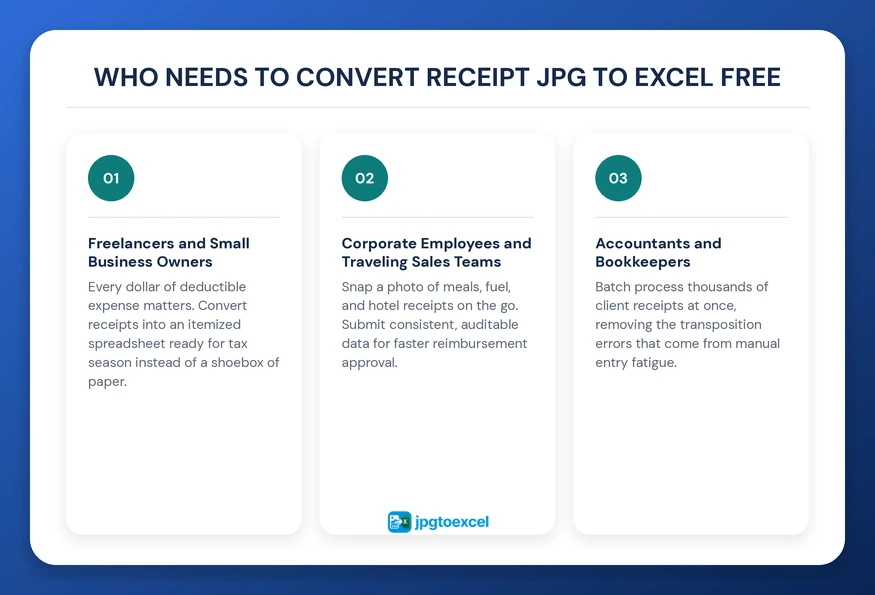
Freelancers and Small Business Owners
For independent workers, every dollar of deductible expense matters. A receipt image converter helps freelancers track recurring costs such as software subscriptions, equipment, and home office supplies. During tax season, the ability to convert receipt JPG to Excel free turns a chaotic pile of paper into an itemized spreadsheet ready for filing, which is far more defensible in an audit than a shoebox of faded slips.
Corporate Employees and Traveling Sales Teams
Traveling employees accumulate receipts for meals, fuel, and hotel stays, then must submit them for reimbursement. Snapping a photo and running it through a receipt to excel converter is faster than taping receipts to a paper expense form, and it produces consistent, auditable data that finance teams can verify without back-and-forth emails. HR departments handling recurring compensation data face a similar volume problem with payslips and timesheets, a process covered in this guide to payroll document JPG to Excel conversion.
Accountants and Bookkeepers
Accounting firms process thousands of client documents every month. Establishing a standard workflow to convert receipt JPG to Excel free lets bookkeepers batch process images instead of retyping each line manually, removing the transposition errors that come from fatigue during long data entry sessions. Many firms run this process alongside invoice digitization, and the steps for converting JPG invoices to Excel follow a nearly identical workflow.

Key Benefits of Digitizing Paper Receipts
This shift is not a niche habit. The global expense management software market is projected to grow from 8.48 billion dollars in 2025 to 18.52 billion dollars by 2033, according to Straits Research, as cloud-based automation steadily replaces manual expense tracking across businesses of every size. Receipt digitization sits at the foundation of that shift, since structured expense data has to start somewhere before it can flow into any reporting or accounting system.
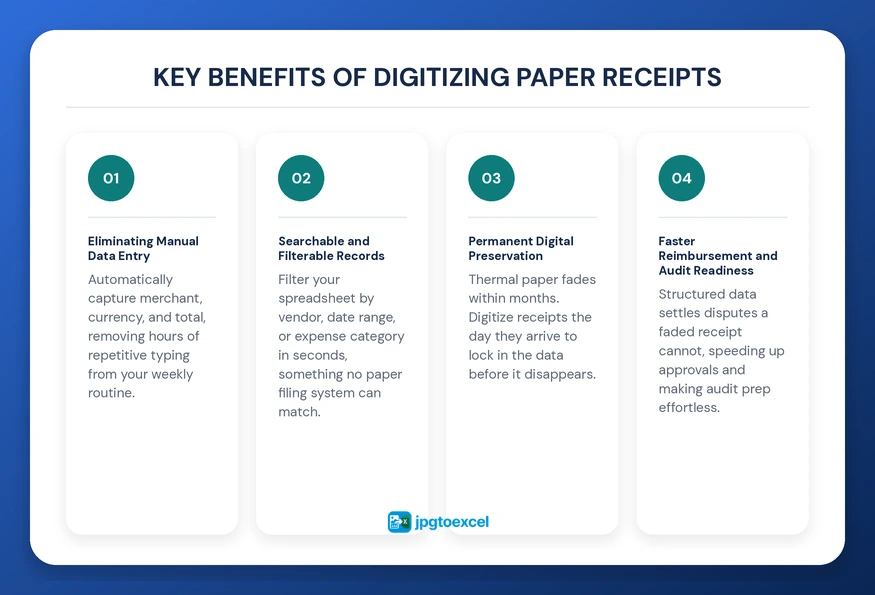
Eliminating Manual Data Entry
Manual entry means typing numbers from paper into a spreadsheet by hand, a process that is slow and prone to error. A receipt image converter automatically identifies the merchant, currency, and total due, removing hours of repetitive typing from a weekly routine and freeing that time for higher-value work.
Searchable and Filterable Records
Finding one specific receipt among hundreds of paper slips is nearly impossible. Once you convert receipt JPG to Excel free, that paper becomes indexable text. You can filter a spreadsheet by vendor, date range, or expense category in seconds, something no physical filing system, no matter how organized, can match.
Permanent Digital Preservation
Thermal receipt paper is not built to last. Industry testing shows direct thermal prints can begin fading within weeks under heat or UV exposure, and typically degrade fully within six months to a year, even in normal storage conditions, because heat and light gradually break down the chemical coating that forms the text. Digitizing a receipt the day it is received locks in the data before the physical copy has any chance to disappear.
Faster Reimbursement and Audit Readiness
A clean spreadsheet row settles disputes that a faded paper slip cannot. When every receipt is already converted, reimbursement approvals move faster because finance teams are reviewing structured data instead of decoding handwriting or squinting at thermal print, and audit preparation becomes a matter of exporting a filtered view rather than digging through a filing cabinet.
| Method | Speed | Error Rate | Long-Term Reliability |
| Manual typing | Slow, several minutes per receipt | Higher, prone to fatigue errors | Depends on physical storage |
| Receipt image converter (OCR/AI) | Seconds per receipt | Low, around 97% field accuracy on average | Permanent once exported to Excel |
How to Convert Receipt JPG to Excel Free: Step by Step
Follow this five-step workflow every time you convert receipt JPG to Excel free, and the process stays fast and accurate regardless of which tool handles the extraction.
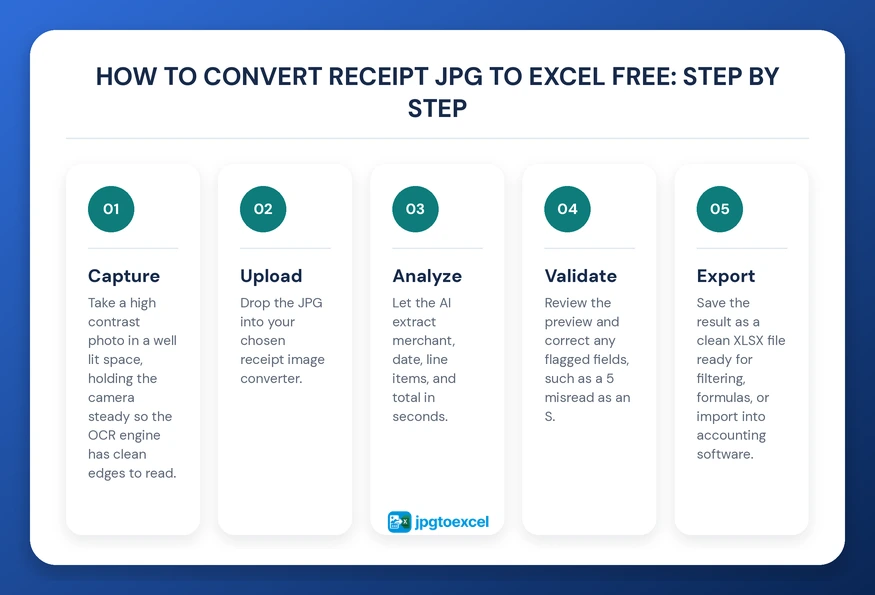
- Capture: Take a high-contrast photo in a well-lit space, holding the camera steady so the OCR engine has clean edges to read.
- Upload: Drop the JPG into your chosen receipt image converter.
- Analyze: Let the AI extract merchant, date, line items, and total in seconds.
- Validate: Review the preview and correct any flagged fields, such as a 5 misread as an S
- Export: Save the result as a clean XLSX file ready for filtering, formulas, or import into accounting software.
Choosing the right tool matters as much as the workflow itself. Mobile apps suit users who need to scan on the go, desktop software suits accountants processing thousands of pages at once, and browser-based platforms suit anyone who wants a free receipt scanner to excel without installing anything. For a side-by-side breakdown of leading options, this comparison of the best JPG to Excel converters online is a useful next read.
Common Conversion Pitfalls and How to Avoid Them
Even strong OCR struggles when the input is poor. To convert receipt JPG to Excel free with consistent accuracy, watch for these issues.
- Blurry photos: if the camera does not focus, the OCR engine cannot resolve individual characters clearly enough to extract them. Hold the phone steady and wait for the image to sharpen before capturing.
- Handwritten totals: handwritten numbers are far harder to read than printed text and should always be checked manually after conversion, since even strong models struggle with inconsistent handwriting.
- Multi-currency formatting: international travel often means mixed currency symbols, which may need manual cell formatting in Excel afterward so SUM formulas calculate correctly across the whole sheet.
Receipts vs Other Document Types: When to Use What
Not every paper document behaves the same way once converted, and choosing the right workflow depends on the document type and how urgently it needs to be preserved.
| Document Type | Typical Use Case | Conversion Urgency |
| Receipts | Expense tracking, reimbursement, tax deductions | High, due to thermal paper fading |
| Invoices | Accounts payable, vendor billing | Medium, usually retained digitally already |
| Tax documents | Filing, audits, long-term records | High, especially near filing deadlines |
If your workflow regularly involves vendor billing alongside receipts, the steps for converting JPG invoices to Excel follow a nearly identical process. And if you are preparing for filing season, this guide to tax document JPG to Excel digitization covers the additional structure that tax forms require beyond a simple total and date.
Why jpgtoexcelconverter Is Built for Receipt Conversion
jpgtoexcelconverter specializes in high-precision data extraction built specifically around financial documents. Rather than producing a generic block of text, the platform maps merchant names, dates, and totals into the correct spreadsheet columns automatically, so a converted receipt looks like a properly structured row instead of a wall of unsorted text.
Data security matters as much as accuracy when handling financial records. jpgtoexcelconverter applies encryption to uploaded files and automatically deletes them after processing, which helps users stay aligned with standard data privacy expectations. Whether digitizing a single coffee receipt or a year of expense records, the same receipt image converter handles both at the same level of accuracy.
Conclusion: Lead Your Expense Tracking Into the Digital Era
Moving away from manual receipt entry is one of the simplest productivity upgrades available to any professional or small team. Every time you convert receipt JPG to Excel free, you trade a fading piece of paper for a permanent, searchable, audit-ready spreadsheet row. The technology behind a modern receipt image converter has matured enough that this is no longer a future convenience; it is a practical habit worth building this week.
Start with jpgtoexcelconverter and turn your next receipt into usable data before the paper has any chance to disappear.
FAQs: Convert Receipt JPG to Excel Free
How do I convert a receipt image to Excel for free?
Upload your receipt JPG to a free receipt image converter such as jpgtoexcelconverter, let the AI-powered OCR extract the merchant, date, and total automatically, then review the preview for accuracy and export the result as an XLSX file. The entire process usually takes under a minute per receipt with no software installation required.
What is the best free app to scan receipts into Excel?
The best free tools combine OCR with AI context recognition so data lands in the correct columns automatically, rather than dumping raw text into a single cell. Browser-based platforms tend to work best for occasional use, since they require no installation and support nearly any device with an internet connection.
Can OCR accurately read handwritten receipts?
OCR handles printed text far more reliably than handwriting. Most modern systems can extract handwritten totals with reasonable accuracy, but printed receipts consistently produce higher accuracy rates, so handwritten entries should always be manually reviewed before being treated as final data in a spreadsheet.
Is there a free tool to convert JPG receipts to Excel without losing formatting?
Yes. A purpose-built receipt to excel converter preserves structure by mapping extracted fields, such as date, vendor, and total, into separate spreadsheet columns rather than a single unformatted block of text, which keeps the exported file usable for filtering, sorting, and formulas immediately after export.
- Email: contact@jpgtoexcelconverter.com
- LinkedIn: https://www.linkedin.com/in/jpgtoexcelconverter/
- X: https://x.com/jtoexcelconvert