
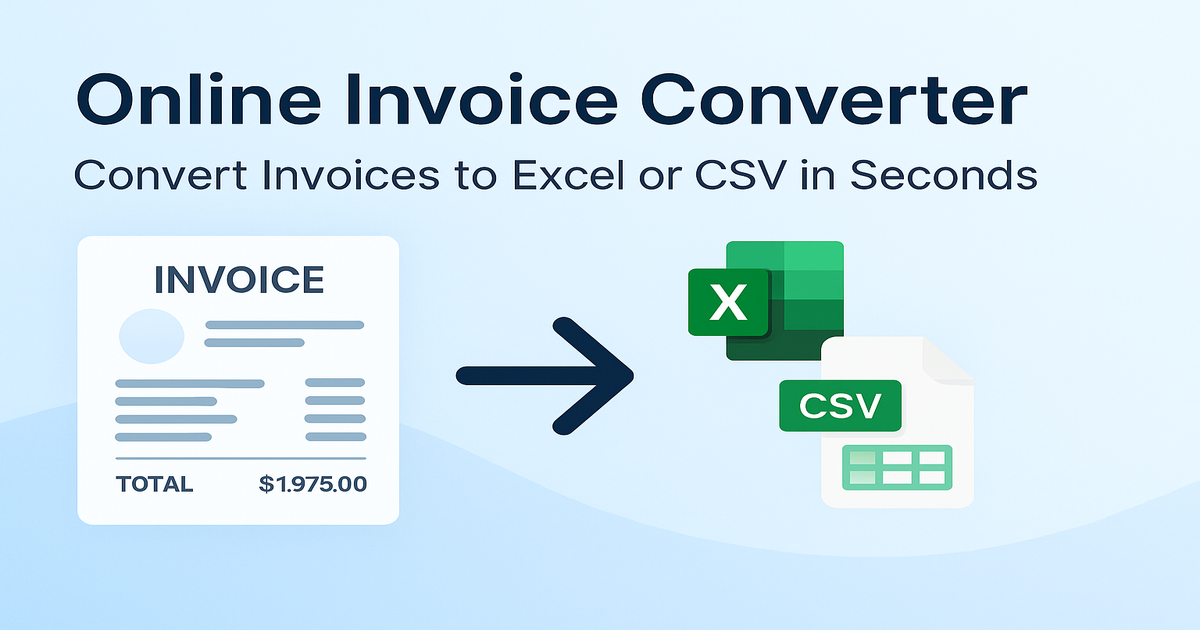
 March 11, 2026
 11 min read
Convert Bill of Lading JPG to Excel: The Ultimate Guide to Logistics Automation
Convert Bill of Lading JPG to Excel technology is the fundamental engine driving the digital transformation of the global shipping industry in 2026. The world of logistics moves at an incredible speed every single day, with huge ships and trucks carrying goods across the globe at all hours. In this high-velocity environment, the Bill of Lading (BOL) stands as the most critical document, acting as both a receipt for cargo and a binding contract for transport. However, most of these documents still start as physical paper, which is eventually scanned or photographed into digital images like JPG or PNG files. While these image files are easy to transmit via email, the valuable data inside them remains “trapped”—you cannot search for a price, a container number, or a date inside a static picture.
This is precisely why modern firms must convert Bill of Lading JPG to Excel to unlock this information. Moving data from a static picture to a structured spreadsheet makes the information immediately useful for reporting, auditing, and financial analysis. By using a high-quality BOL image converter, you can bridge the gap between old-fashioned paper archives and new digital management tools. This guide will explore the deep mechanics of AI-powered extraction and provide a roadmap to help you convert Bill of Lading JPG to Excel without the friction of manual entry.
The Financial Drain of Manual Data Entry
Many logistics companies still rely on human clerks to manually transcribe data from paper waybills into their internal systems. This process to convert Bill of Lading JPG to Excel by hand is not only notoriously slow but also acts as a silent killer of productivity. When a person is forced to look at a screen and type for eight hours a day, fatigue inevitably leads to mistakes. A simple typo in a tracking number or a misplaced decimal point in a shipping rate can lead to lost shipments, customs fines, and disastrous financial discrepancies.
The Cost of Human Error in Logistics
High operational costs are the direct result of paying staff to perform low-value typing work. These employees could be redirected to high-value tasks, such as improving customer relationships or optimizing logistics routes. Furthermore, scalability becomes a major hurdle; if your business gets more orders, you are forced to hire more staff just to keep up with the paperwork. Choosing to convert Bill of Lading JPG to Excel through an automated system allows you to handle thousands of documents without increasing your headcount. It makes your business more efficient and ready for the future of global trade.
Why Automate BOL Data Extraction?
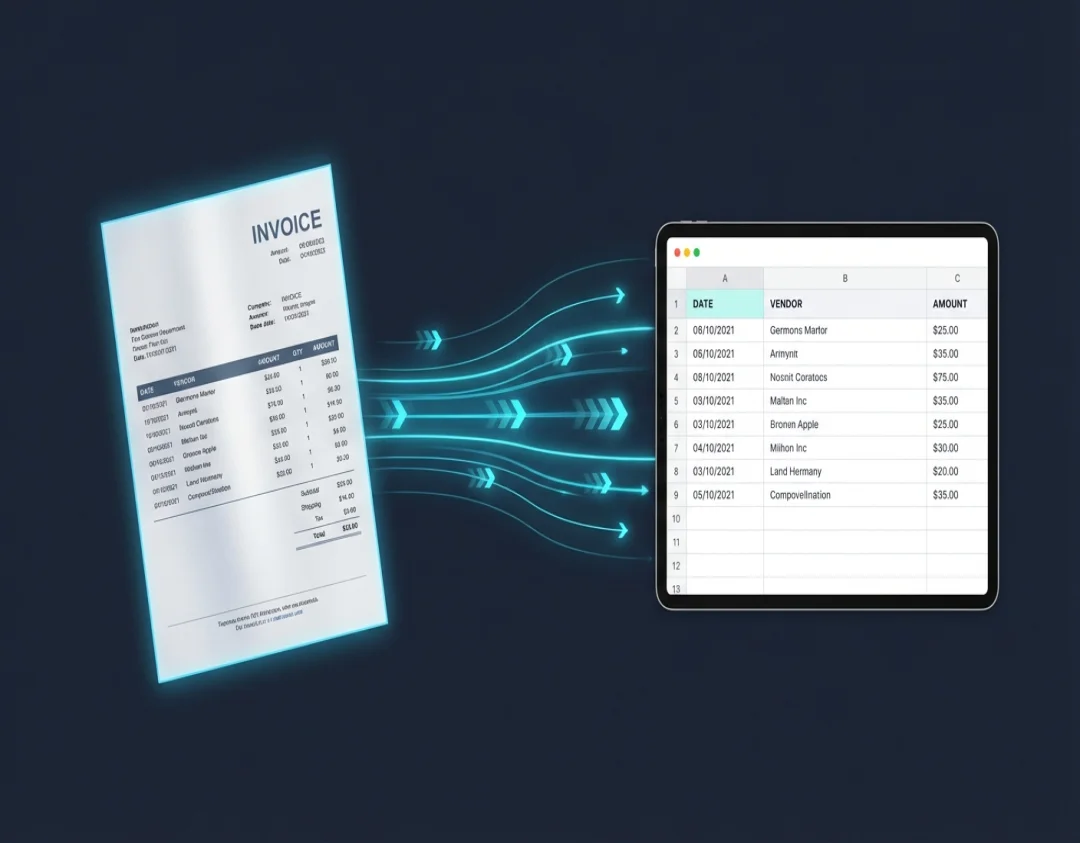
The strategic decision to convert Bill of Lading JPG to Excel using AI offers several transformative benefits for your bottom line:
-
Superior Accuracy: Modern AI systems can read text with far greater precision than the human eye, especially when dealing with complex multi-column tables. This ensures that every field is captured correctly the first time.
-
Real-time Supply Chain Visibility: When you convert Bill of Lading JPG to Excel automatically, the data is ready in seconds. This allows your team to know exactly where a shipment is in real-time, providing customers with instant updates.
-
Significant Cost Reduction: Automation reduces the “cost-per-document” significantly, allowing for better budget allocation toward business growth.
-
Seamless System Integration: Extracted data can flow directly into your ERP or TMS software, ensuring that your central database is always clean and updated without manual intervention.
How the Technology Works: From Image to Structured Data
To successfully convert Bill of Lading JPG to Excel, the software utilizes a multi-layered technological approach. It begins with Optical Character Recognition (OCR), which identifies the pixels in a picture and identifies the shapes of letters and numbers. However, basic OCR is not enough for complex shipping documents.
Machine Learning and Data Parsing
A professional BOL image converter uses Machine Learning to understand the “context” of the text. It knows that a 9-digit number near a logo is likely the “BOL Number,” while a series of rows in the middle of the page represents “Line Items.” This intelligence is what allows the system to convert Bill of Lading JPG to Excel while preserving the original table structure. Data validation logic then cross-checks the math—such as verifying if the total weight matches the sum of the individual items—to catch errors that might have existed on the original paper document.
Step-by-Step Guide: How to Convert BOL JPG to Excel Effectively
Ready to modernize your workflow? Follow this logical five-step sequence to convert Bill of Lading JPG to Excel with 100% confidence:
-
Step 1: High-Quality Capture: Start with a clear photo or high-resolution scan. Ensure the paper is flat and well-lit to prevent shadows from obscuring the text.
-
Step 2: Smart Upload: Drag and drop your JPG or PNG files into our secure platform. Our engine handles the pre-processing, including “deskewing” to straighten any tilted images.
-
Step 3: AI Automated Extraction: The AI reads every word and number, mapping them to specific fields like carrier name, weight, and port of discharge.
-
Step 4: Review and Validation: Use our side-by-side preview screen to verify the data. This “Human-in-the-loop” step ensures your convert Bill of Lading JPG to Excel results are perfect.
-
Step 5: Instant Export: Download your clean, structured XLSX or CSV file and import it directly into your accounting or logistics software.
Choosing the Right BOL Automation Tool
Not all software is created equal. When selecting a tool to convert Bill of Lading JPG to Excel, you should prioritize flexibility and security. Avoid older systems that rely on rigid “templates,” as these often break if a carrier changes their document design. A modern BOL image converter should be “template-free,” utilizing deep learning to adapt to any document layout.
Security is also non-negotiable. Your shipping papers contain sensitive client information that must be protected. Ensure your chosen tool uses enterprise-grade encryption and follows global privacy compliance standards. Finally, check for “Batch Processing” capabilities. For a growing firm, the ability to convert Bill of Lading JPG to Excel for hundreds of files at once is a critical time-saving feature.
Why jpgtoexcelconverter.com is Your Strategic Choice?
At jpgtoexcelconverter.com, we specialize in high-precision data extraction for the logistics sector. We understand that your business doesn’t just need a “file converter”—it needs a reliable data pipeline. Our platform is engineered to convert Bill of Lading JPG to Excel with unmatched speed and accuracy, specifically optimized for the varied layouts of global shipping documents.
We provide the tools you need to future-proof your logistics office. Our AI engine handles the complex math and character recognition, allowing your team to move from manual chaos to digital clarity in just a few clicks. Whether you are a freight forwarder, a trucking company, or a global manufacturer, we help you convert Bill of Lading JPG to Excel so you can focus on what you do best: moving the world.
Conclusion: Lead the Digital Transformation in Logistics
The era of manual filing and slow document review is coming to an end. The ability to convert Bill of Lading JPG to Excel is no longer a luxury; it is a competitive necessity for any team that wants to lead in the global market. By embracing an automated BOL image converter, you are choosing accuracy, speed, and long-term profitability over manual error and administrative delay.
Don’t let your valuable data stay trapped in static image files. Start your journey toward a frictionless supply chain today. Experience the magic of AI-driven conversion and see how simple it is to convert Bill of Lading JPG to Excel with jpgtoexcelconverter.com. Your digital future is just a scan away—take the first step now and watch your operational efficiency soar.


