
 October 16, 2025
 11 min read
Mobile Scanning and OCR Apps: The 2026 Ultimate Guide to Pocket Digitization
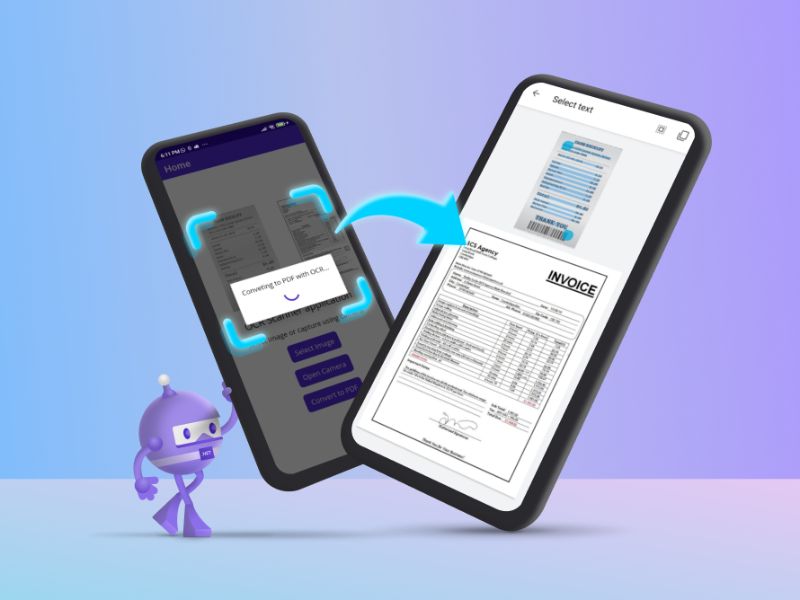
Mobile scanning and OCR apps are fundamentally redefining personal and professional productivity in 2026. Not long ago, the simple task of turning a physical paper document into a high-quality digital file required a large, expensive, and noisy machine known as a flatbed scanner. These hardware devices occupied valuable desk space and were permanently tethered to a desktop computer, creating a significant bottleneck for professionals on the move. Today, that powerful digitization technology has shrunk to fit inside the one device we carry everywhere: our smartphone.
With global smartphone ownership reaching billions, the dedicated scanner has become a niche product. This technological shift has democratized scanning, making it accessible to everyone—from students digitizing lecture notes to small business owners archiving multi-page invoices. This modern convenience is made possible by high-precision mobile scanning and OCR apps, utilizing Optical Character Recognition to act as a digital translator that reads text in a photo and converts it into words you can edit, search, and analyze. In 2026, automating data entry with these tools has become a strategic advantage, reducing processing costs by as much as 60% and freeing employees from hours of manual typing.
The Contenders: A High-Level Overview of the App Market
The market for mobile scanning and OCR apps is highly competitive, featuring tools from global software giants and specialized independent developers. To choose the right companion for your workflow, you must understand the two primary categories of solutions available.
1. The Ecosystem Giants: Adobe and Microsoft
-
Adobe Scan: Coming from the creators of the PDF format, Adobe Scan offers a natural advantage in document management. It is engineered to work seamlessly with the Adobe Document Cloud, ensuring that a scan taken on your phone instantly appears in Acrobat on your desktop for advanced editing or legal signing.
-
Microsoft Lens: Originally known as “Office Lens,” this app serves as the vital bridge to the Microsoft 365 ecosystem. It excels at turning a whiteboard brainstorm into a PowerPoint presentation or a paper report into a fully editable Word file, making it the top choice for corporate users.
2. The Dedicated Specialists
-
CamScanner: For over a decade, CamScanner has remained the feature-rich “Swiss Army Knife” of mobile scanning and OCR apps. It offers a massive suite of tools for watermarking, securing, and annotating documents at scale.
-
Genius Scan: This app is built on the pillars of speed and privacy. It performs all processing directly on your device, ensuring that sensitive legal or financial documents are never uploaded to a third-party server—a critical feature for security-conscious professionals.
Head-to-Head Comparison: Performance in the Real World
An app can have a beautiful interface, but its true value lies in its ability to handle “dirty” real-world data. We tested the leading mobile scanning and OCR apps based on three critical performance metrics: scan quality, OCR precision, and workflow efficiency.
Scan Quality and AI Enhancement
The first step of any professional scan is edge detection. The best apps instantly identify document borders, even on low-contrast backgrounds like white paper on a light wooden table. Adobe Scan, powered by its Sensei AI, is a standout in this area. It intelligently removes shadows from your hand and sharpens text, making the final output look like it came from a professional flatbed machine rather than a smartphone camera.
OCR Accuracy on Complex Surfaces
Nearly all top-tier mobile scanning and OCR apps achieve over 99% accuracy on clean, printed business letters. However, the real challenge is thermal paper receipts or crumpled forms. In our testing, Microsoft Lens and Adobe Scan consistently outperformed the competition when recognizing faded text on grocery receipts. For handwriting, while no app is perfect, those with advanced deep-learning models are rapidly improving their ability to digitize printed, non-cursive notes.
Workflow and Bulk Processing
How many taps does it take to go from a physical stack of paper to a searchable PDF? Mobile scanning and OCR apps like Genius Scan excel in “Batch Mode,” allowing you to capture page after page without interruption. This speed is essential for administrative assistants and researchers who need to digitize large archives quickly.
Detailed Reviews: Finding Your Perfect Match
Adobe Scan: The Best Overall Free Solution
Adobe Scan’s primary strength is its incredible image pre-processing. The free version is remarkably generous, offering unlimited scans without intrusive ads. Its integration with the wider Adobe ecosystem allows for a “scan-to-sign” workflow that is unmatched in the industry. However, some advanced features like exporting to Excel or password protection are locked behind an Acrobat Pro subscription.
Microsoft Lens: The Productivity Powerhouse
The single greatest advantage of Microsoft Lens is that it is truly free, with no hidden subscriptions. Its “Business Card Mode” is particularly impressive, accurately pulling contact info and saving it directly to your phone’s address book. While it lacks the advanced annotation tools of CamScanner, its mission is efficiency within the Office 365 suite, and it delivers on that promise perfectly.
CamScanner: The Power User’s Choice
If you need maximum features, CamScanner is the answer. It allows you to edit OCR text directly within the app before exporting, a vital feature for fixing small errors on the go. Despite past security scrutiny, the app remains a favorite for its sheer utility, offering document collages and custom watermarking for professional correspondence.
Comparison Table: Best Mobile Scanning and OCR Apps at a Glance
| App Name | Best For | Standout Feature | Pricing (2026) |
| Adobe Scan | Most Users | AI Image Enhancement | Free / Premium |
| Microsoft Lens | Office 365 Users | Seamless Integration | Completely Free |
| CamScanner | Power Users | Direct Text Editing | Free / Premium |
| Genius Scan | Privacy & Speed | On-Device Processing | Free / One-time |
| Google Lens | Android Users | Visual Search & Translation | Free |
Why jpgtoexcelconverter.com is the Final Step in Your Workflow
While mobile scanning and OCR apps are excellent for capturing data, the most critical step for business analysis is turning those images into editable spreadsheets. This is where jpgtoexcelconverter.com becomes your most valuable asset. Once you have captured a JPG, PNG, or PDF with your mobile app, our platform allows you to upload it and receive a clean, perfectly structured Excel or CSV file in seconds.
We specialize in preserving rows and columns, ensuring that your financial data is ready for sorting, filtering, and reporting immediately. By combining the portability of a mobile app with the precision of our converter, you eliminate the need for any manual data entry, truly achieving a frictionless digital office.
Conclusion: Which App Should You Download?
Choosing the right tool from the sea of mobile scanning and OCR apps depends entirely on your specific needs. For the everyday user, Adobe Scan provides the perfect balance of quality and value. For those deeply invested in the Microsoft ecosystem, Microsoft Lens is the essential choice. And for those who prioritize security and high-volume batch processing, Genius Scan offers the privacy you require.
The era of manual filing and desk-bound scanners is officially over. No matter which app you choose, the goal is the same: transforming physical paper into actionable intelligence. Start your digitization journey today, and remember that for high-precision Excel conversion, jpgtoexcelconverter.com is always ready to turn your pixels into profit.


