
 February 2, 2026
 11 min read
Introduction: The Data Revolution in the Legal Sector
In the high-stakes world of law, information is the ultimate power. However, for most firms, this power is often trapped in inaccessible formats. Every day, legal teams deal with thousands of pages—ranging from century-old land deeds to complex modern-day corporate mergers. A vast majority of these documents exist only as static images, such as JPG or PNG scans.
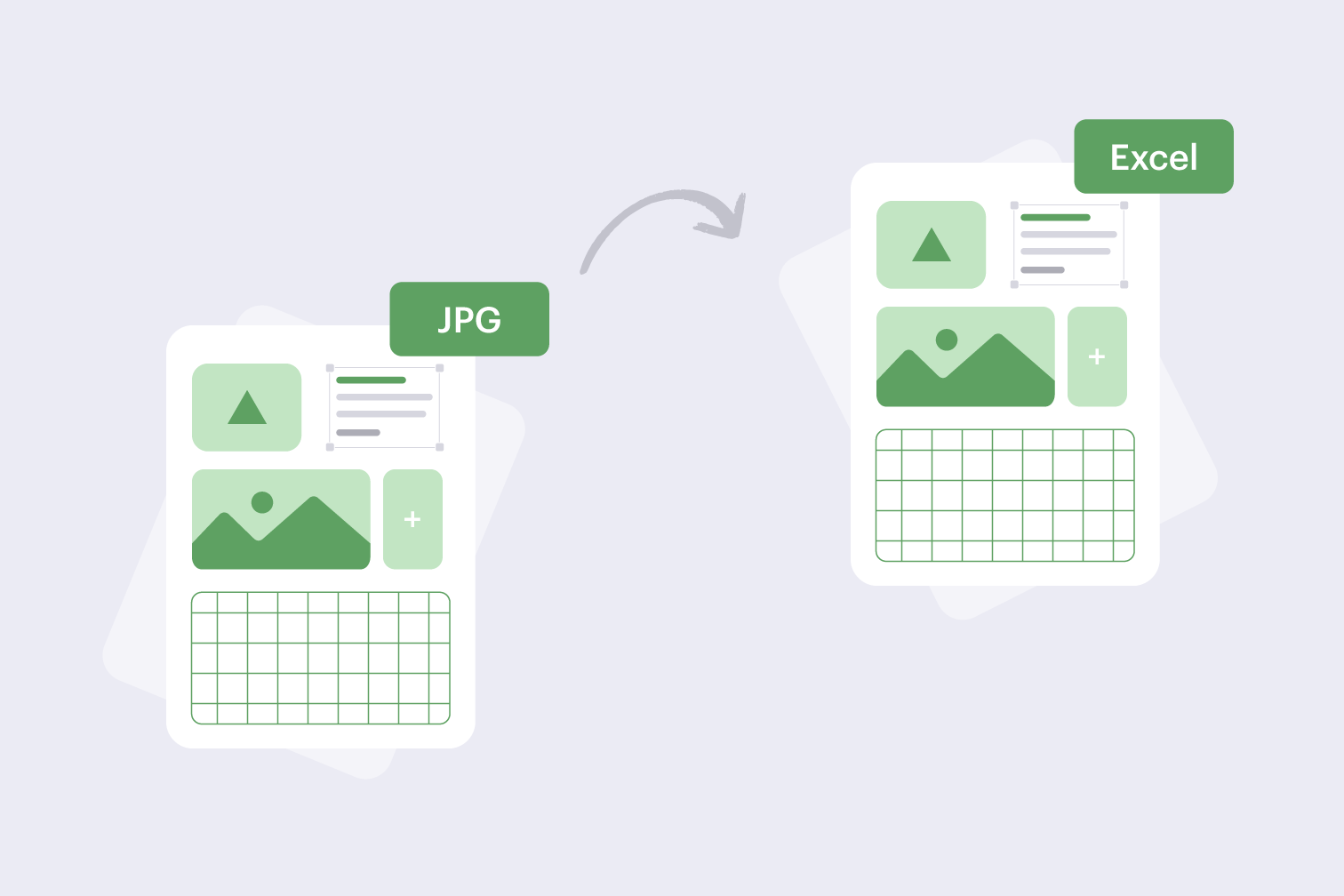
For a modern law firm, the ability to find a specific clause or verify a financial figure in seconds can be the difference between winning and losing a case. This is why thousands of professionals are looking for the most efficient way to convert legal JPG to Excel. By transforming these “dead” pixels into structured, searchable data, firms can unlock insights, save billable hours, and ensure total accuracy. This guide provides 10 essential strategies and benefits of using AI-powered tools at jpgtoexcelconverter.com to modernize your workflow.
1. Understanding the Need to Convert Legal JPG to Excel
A JPG file is essentially a photograph of a document. To a computer, the text and numbers inside that photo are invisible. You cannot search for keywords, you cannot sort the dates, and you certainly cannot run a financial analysis on a digital picture.
When you convert legal JPG to Excel, you are performing more than a simple file conversion; you are performing data liberation. This process turns the static content into a dynamic spreadsheet where:
-
Dates can be sorted chronologically to create timelines.
-
Financial figures can be calculated automatically.
-
Parties and Clauses can be indexed for instant retrieval.
At jpgtoexcelconverter.com, we specialize in this specific transformation, ensuring that your legal documents become actionable assets.
2. The Evolution from Paper Archives to Data-Centric Law
For decades, law offices were defined by rows of metal filing cabinets. The move to digital scans was a good first step, but it only solved the problem of physical space. It did not solve the problem of data accessibility.
Today, we are witnessing the rise of “Data-Centric Law.” This methodology relies on having all firm information organized in a queryable format. Leading law firms no longer just “store” images; they convert scanned legal documents into Excel to create a master database of their entire history. Using an AI tool to OCR legal images is the smart way to move away from old storage methods and embrace a faster, digital-first approach.
3. How AI-Powered OCR Outperforms Traditional Methods
Not all conversion tools are created equal. Basic OCR (Optical Character Recognition) has existed for years, but it often struggles with the unique challenges of legal documentation—such as dense tables, small footnotes, and varied font styles.
The technology at jpgtoexcelconverter.com utilizes Intelligent Document Processing (IDP). Unlike traditional software, our AI understands the context of the document. It recognizes that a name at the bottom of a page is a “Signatory” and a number in a specific column is a “Penalty Fee.” This level of intelligence is why you should convert legal JPG to Excel using specialized AI. It minimizes the need for manual corrections and ensures your data integrity remains intact.
4. Strategy #1: Automating Large-Scale Discovery
During the discovery phase of litigation, you may be handed thousands of pages of scanned documents. Reviewing these manually is a massive burden for any team.
The most efficient strategy is to convert legal JPG to Excel in bulk. This allows you to search across thousands of pages simultaneously. By using our tool to OCR legal images, you can identify key facts across a massive discovery production in a fraction of the time it would take a human team. This scalability is a major win for small teams handling large-scale cases.
5. Strategy #2: Ensuring Accuracy in Financial Extractions
In legal cases involving bankruptcy, divorce, or corporate mergers, financial accuracy is non-negotiable. A single misplaced decimal point in an Excel sheet can lead to significant legal liability.
Our AI-driven engine to convert contract images to Excel is designed with high-precision algorithms. It reads numbers with over 99.9% accuracy, even from wrinkled or low-quality scans. By automating the extraction process, you eliminate the risk of “fat-finger” typos that often occur when staff members are tired or rushed.
6. Strategy #3: Improving Compliance with Secure Data Handling
Handling client data requires adherence to strict privacy standards like GDPR, CCPA, and SOC2. You must ensure that when you convert legal JPG to Excel, your data remains private and secure.
At jpgtoexcelconverter.com, we follow a “Security-First” philosophy. Our platform uses end-to-end encryption to hide your files from bad actors. Furthermore, we maintain a clear audit trail and ensure that all temporary files are deleted immediately after the conversion is complete. You can convert scanned legal documents with total peace of mind, knowing your firm’s reputation and your clients’ secrets are protected.
7. Strategy #4: Building a Searchable “Knowledge Base”
Every case your firm has ever handled contains valuable precedents and clauses. However, if those files are buried in JPG format, they are essentially lost to history.
A smart strategy is to convert legal JPG to Excel for your entire legacy repository. This creates a digital library of legal knowledge. Instead of searching through dusty folders, you can search a single spreadsheet to see how your firm handled similar insurance clauses or liability issues five years ago. This helps you maintain consistency and provides a better service to your clients.
8. Strategy #5: Reducing Overhead through ROI-Driven Tech
Efficiency is about doing more work in less time with fewer mistakes. The labor costs associated with manual data entry can drain a law firm’s profits.
When you use jpgtoexcelconverter.com to convert contract images to Excel, the ROI (Return on Investment) is almost immediate. By automating a task that used to take hours, you free up your staff for higher-value activities like legal research and client consultations. Every minute you save on data entry is a minute you can use to win more cases.
9. Strategy #6: Semantic Accuracy for Complex Legal Terms
Legal terms can be very hard for a generic computer program to understand. Words like “indemnification” or “force majeure” carry specific weights in a contract.
Our specialized tool is trained to OCR legal images with a focus on semantic accuracy. The software looks at the whole sentence to understand the meaning of a word, ensuring that the legal context is preserved when the data is moved to Excel. This prevents confusion during the review process and helps you catch small details that might be very important to the outcome of a case.
10. Strategy #7: Integrating Data into Legal Tech Stacks
Excel is not the final destination for all data; often, it is the bridge. Many law firms use Case Management Systems or Litigation Support software.
You should convert legal JPG to Excel because Excel files are the most compatible format for importing data into other legal tech tools. At jpgtoexcelconverter.com, we offer API integration options that allow you to connect our conversion power directly to the software you already use every day. This creates a smooth flow of data from a scanned image directly into your primary database.
11. Strategy #8: Modernizing the Client Experience
Clients today expect their lawyers to be fast and tech-savvy. They do not want to wait days for you to find an old contract in your archives.
When you convert contract images to Excel, you can provide answers to client questions in real-time. This level of professionalism builds deep trust. It shows your clients that you are a modern legal professional who values their time and uses the best tools available to protect their interests.
12. Strategy #9: Paperless Resilience and Disaster Recovery
Physical paper and digital images stored on a single hard drive are vulnerable to fire, water damage, or hardware failure.
By choosing to convert scanned legal documents into structured data and storing them in a secure cloud-based Excel format, you are building firm resilience. Digital data is easier to back up and recover in the event of a disaster. It is the first step toward a more modern, paperless, and disaster-proof law office.
13. Strategy #10: Keeping Pace with Global Legal Standards
The transition to data-centric law is happening globally. Courts and government agencies are increasingly requiring digital, searchable filings.
If you do not convert legal JPG to Excel, you risk falling behind other firms and becoming incompatible with modern court systems. Staying ahead of your competition requires adopting these smart tools today. Accuracy is vital when you are dealing with law, and using jpgtoexcelconverter.com ensures that your data meets the highest professional standards every time.
Conclusion: Transform Your Law Firm Today
The journey from static images to dynamic data is the most important digital transformation your firm will undergo. By choosing to convert legal JPG to Excel, you are choosing efficiency over manual labor, accuracy over human error, and security over risk.
AI tools at jpgtoexcelconverter.com make this transition easy, safe, and incredibly fast. We are here to help you unlock the power of your trapped data and move your firm into the bright digital future. Don’t let your valuable information stay hidden in old pictures and dusty paper files.
Better data leads to better decisions and a more successful law firm. Start your success story today by experiencing the most accurate legal document conversion on the market.
Optimize Your Legal Workflow with jpgtoexcelconverter.com
Stop wasting hours on manual entry and start using the power of smart AI. You can convert legal JPG to Excel with just a few simple clicks on our secure platform.
Our 100% automated system is designed specifically for the high standards of the professional legal world. Whether you need to process a single contract or a legacy archive of thousands of files, we are ready to help.
-
99.9% Accuracy on Complex Tables
-
GDPR & CCPA Compliant Security
-
Enterprise-Grade Bulk Processing
👉 [Start Your Conversion at jpgtoexcelconverter.com]
FAQ: Frequently Asked Questions
Q1: Why is it better to convert legal JPG to Excel rather than PDF?
While PDF is good for viewing, Excel allows you to sort, filter, and run calculations on the data, which is essential for legal audits and discovery.
Q2: Can I convert scanned legal documents in languages other than English?
Yes. Our AI engine at jpgtoexcelconverter.com supports multiple languages, ensuring that global law firms can process international contracts with high accuracy.
Q3: Is there a limit to the number of files I can convert?
We offer various plans, including bulk processing for enterprise firms that need to OCR legal images for thousands of pages at once.
Q4: How does the AI handle signatures and stamps on contracts?
Our advanced AI is trained to distinguish between text, signatures, and official stamps, ensuring that only the relevant data is extracted into your Excel columns.


